Work Meetings to Calendar
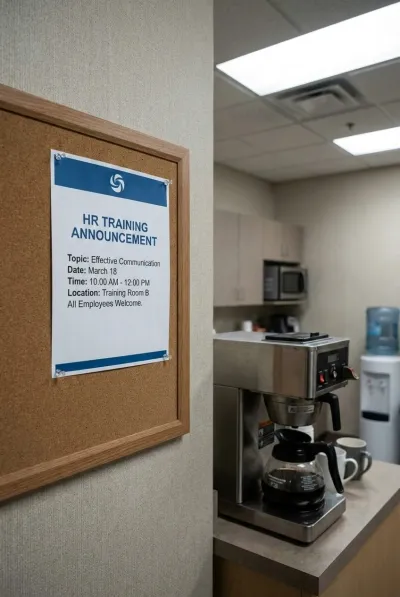
Someone scribbles the sprint deadline on a whiteboard. HR posts a training schedule in the breakroom. A conference agenda lands in your inbox as a PDF screenshot. Capture it all in seconds — no manual entry required.
Capture Any Work Schedule Format
Whiteboards, Slack messages, training posters, conference programs — if it has dates, we extract them.
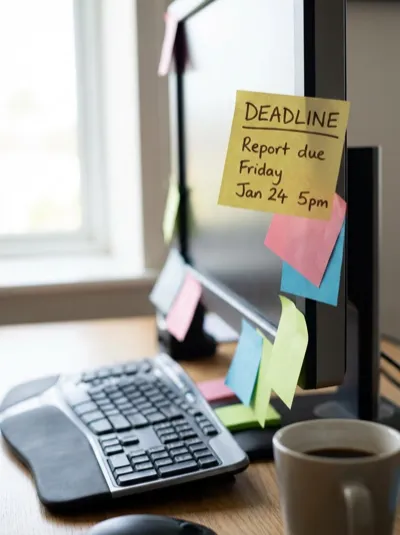

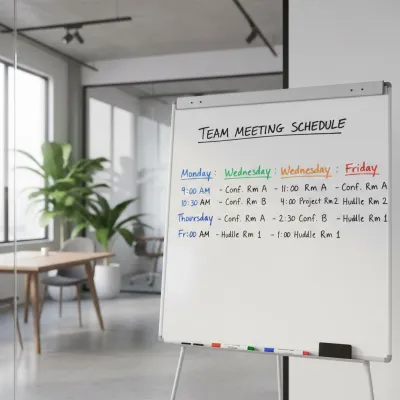
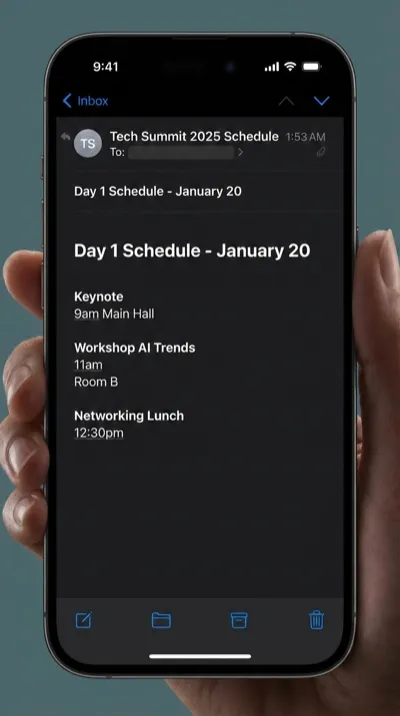
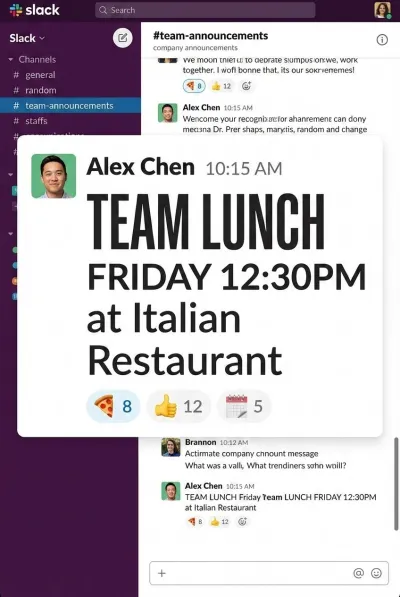
Three Steps. Zero Typing.
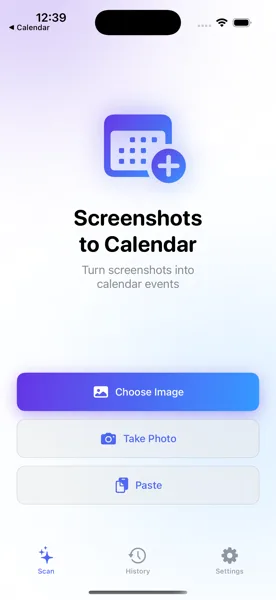
Capture the Schedule
Snap a photo of the whiteboard, screenshot the Slack message, or grab the conference agenda. Open the app and select the image.
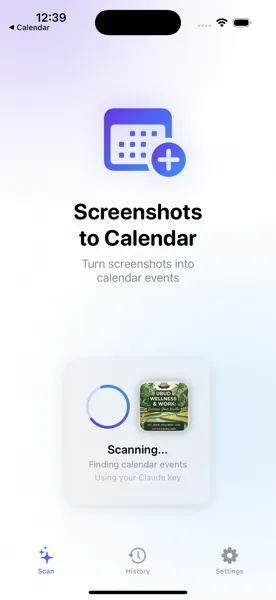
AI Extracts the Details
The app reads your image and pulls out meeting titles, dates, times, locations, and even room numbers — automatically using AI vision.
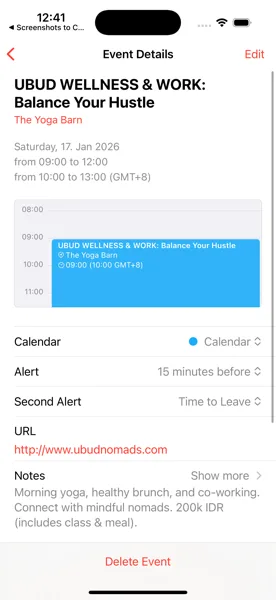
Saved to Your Calendar
Review the extracted events, make any adjustments, and save. Every meeting and deadline lands in your iOS Calendar and syncs everywhere.
Stop Missing Deadlines and Meetings
Download Screenshots to Calendar and turn every whiteboard, Slack message, and training announcement into a calendar event.
Download Free on the App Store