Conference Flyers to Calendar
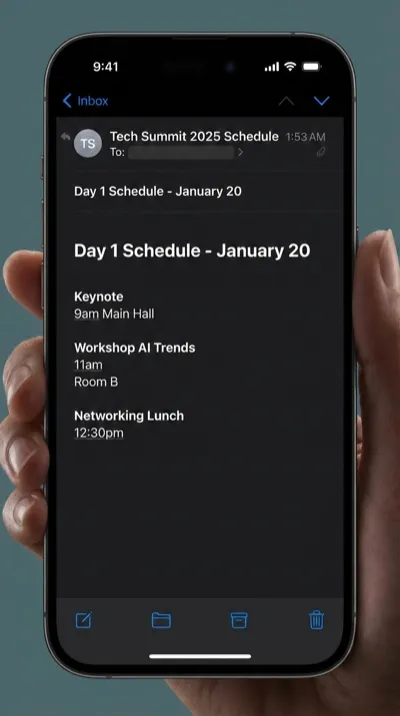
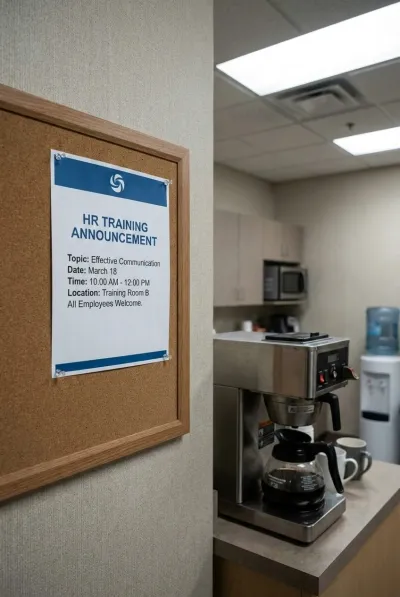
You spot a conference poster on the wall, get handed a multi-day agenda, or see a training flyer pinned on the office board. Snap a photo and every session, workshop, and keynote lands in your calendar automatically.
From Posters to Schedules
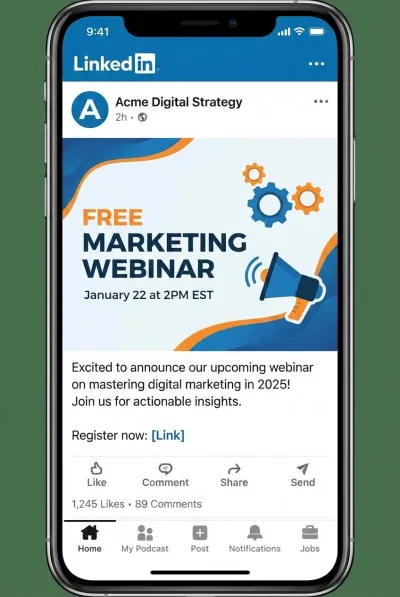
Conferences, corporate trainings, tech meetups, webinar announcements — if it has dates and sessions, we extract them all.


Three Steps. Zero Typing.
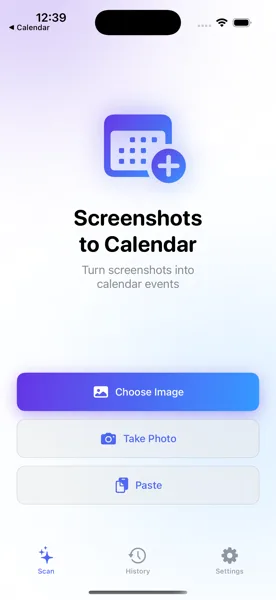
Photograph the Flyer
Snap a photo of the conference poster, printed agenda, or training flyer. Open the app and select the image from your library.
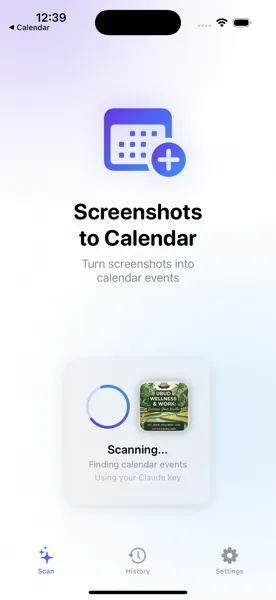
AI Extracts Every Session
The app reads the entire schedule and pulls out each session title, speaker, date, time, and room number automatically.
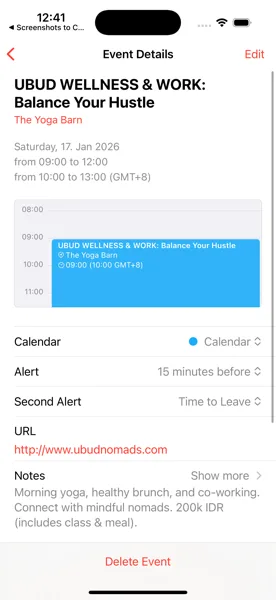
Saved to Your Calendar
Review the extracted sessions, adjust any details, and save. Every event appears in your iOS Calendar, ready to sync across all your devices.
Never Miss Another Session
Download Screenshots to Calendar and turn conference flyers into a fully-loaded schedule in seconds.
Download Free on the App Store