Use Case
WhatsApp Events to Calendar
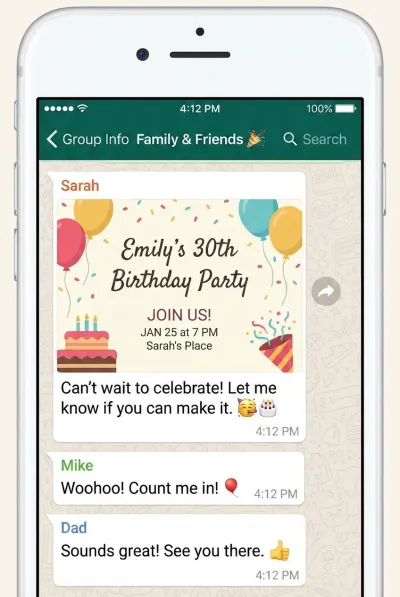
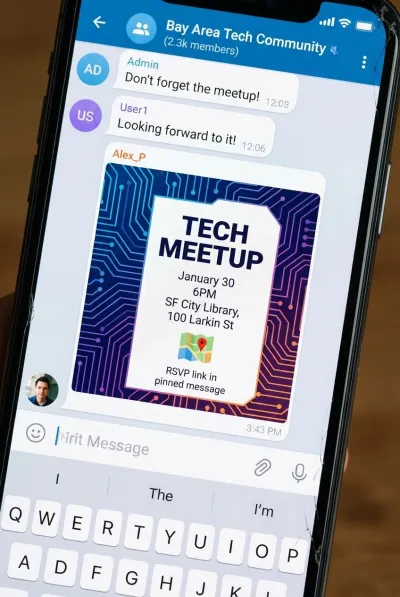
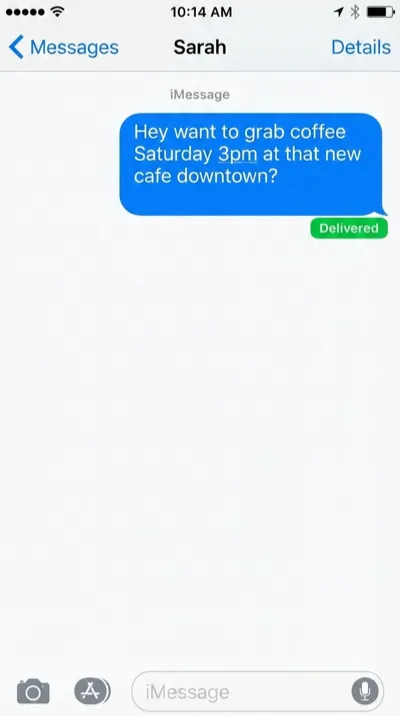
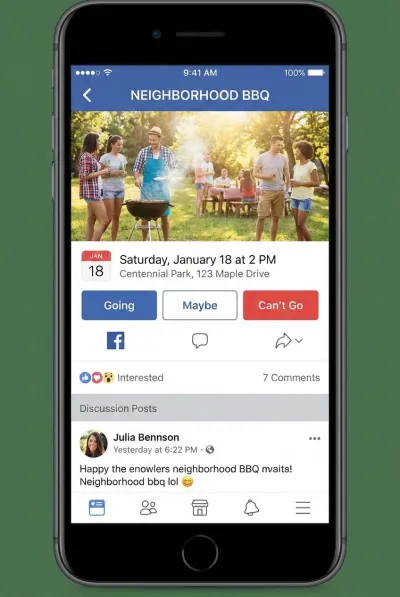
Someone drops event details in a group chat and you forget about it by the next morning. Screenshot the message, and let AI turn it into a calendar event in seconds. No retyping dates, times, or locations.
Works With Every Kind of Chat Event
Birthday plans, group meetups, friend invites, social events — if it has a date, we extract it.
How It Works
Three Steps. Zero Typing.
Step 1
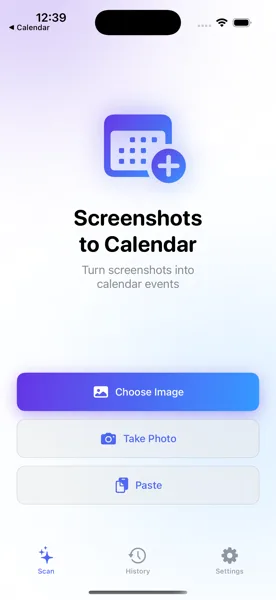
Screenshot the Event
Take a screenshot of the WhatsApp message, group chat plan, or event invite. Open the app and select the image.
Step 2
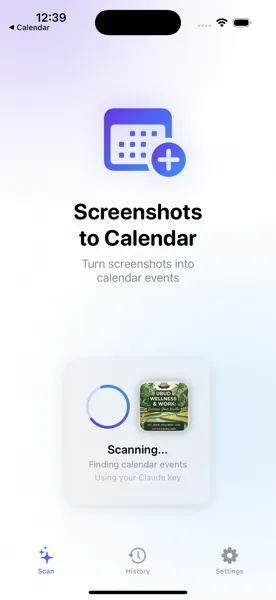
AI Extracts the Details
The app reads the screenshot and pulls out the event title, date, time, and location automatically using AI vision.
Step 3
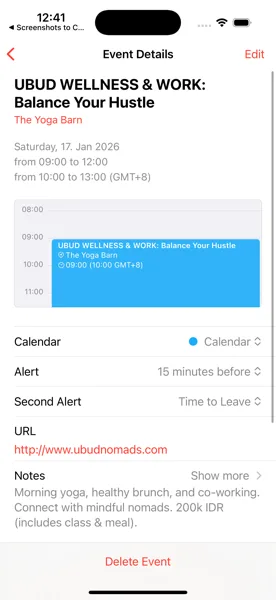
Saved to Your Calendar
Review the details, make any edits, and save. The event lands in your iOS Calendar and syncs everywhere.
Stop Losing Plans From Group Chats
Download Screenshots to Calendar and turn every WhatsApp event into a calendar entry before it scrolls away.
Download Free on the App Store