Social Media Events to Calendar
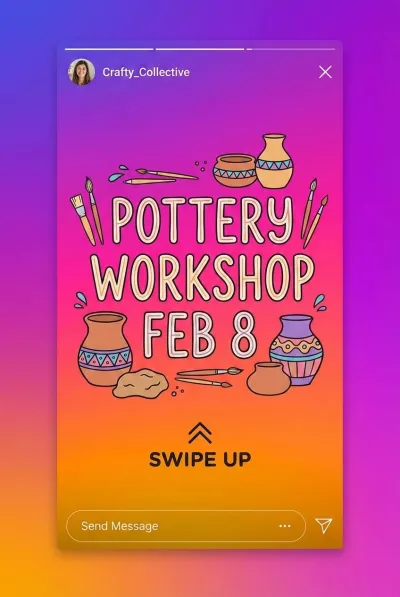
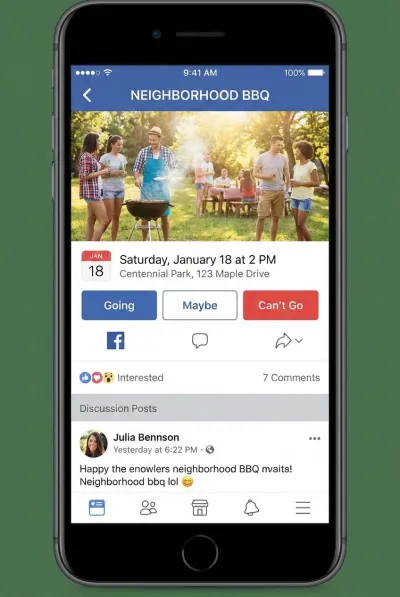
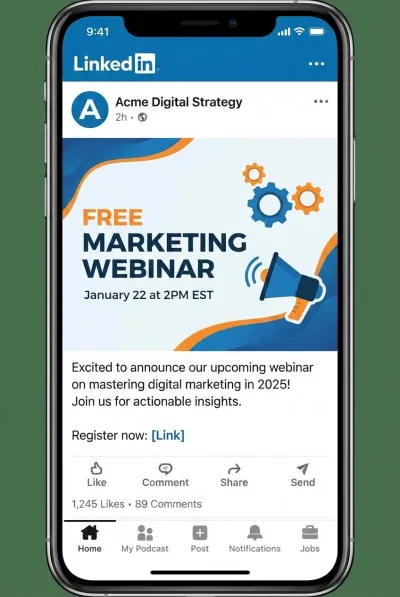
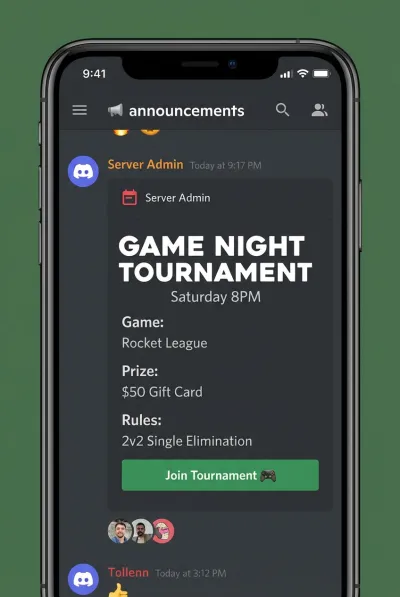
An Instagram story announces a pop-up shop. A LinkedIn post promotes a free webinar. A Discord server pins a gaming tournament. These events vanish from your feed within hours. Screenshot them and lock them into your calendar before they disappear.
Every Platform, One Tap
Instagram stories, Facebook event pages, LinkedIn announcements, Discord server events — all extracted the same way.
Three Steps. Zero Typing.
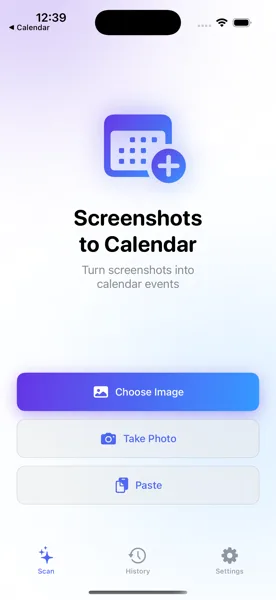
Screenshot the Post
Take a screenshot of the Instagram story, Facebook event, LinkedIn post, or Discord announcement. Open the app and select the image.
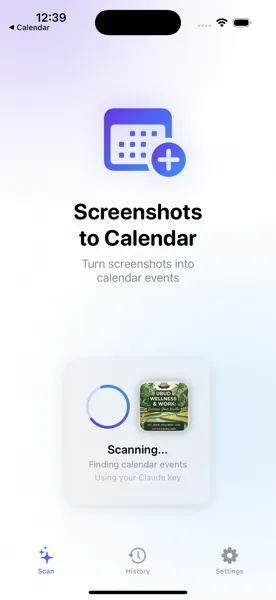
AI Extracts the Details
The app reads the screenshot and pulls out the event name, date, time, location, and any relevant links or descriptions.
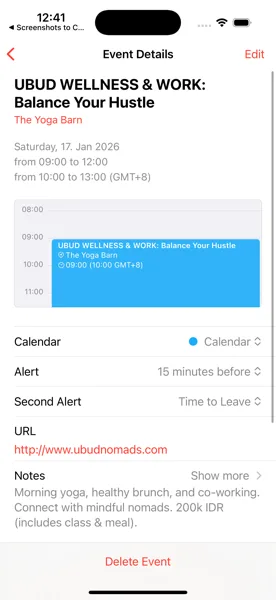
Saved to Your Calendar
Review the details, adjust anything, and save. The event is in your calendar and syncs across all your Apple devices.
Stop Losing Events to the Algorithm
Download Screenshots to Calendar and save social media events to your calendar before your feed refreshes and they vanish forever.
Download Free on the App Store