Travel Itineraries to Calendar
Flights, hotels, tours, trains, cruises—travel planning generates a mountain of confirmation screenshots. Snap them and let AI organize every departure, check-in, and excursion into your calendar so you can focus on the trip, not the logistics.
Every Kind of Travel Confirmation
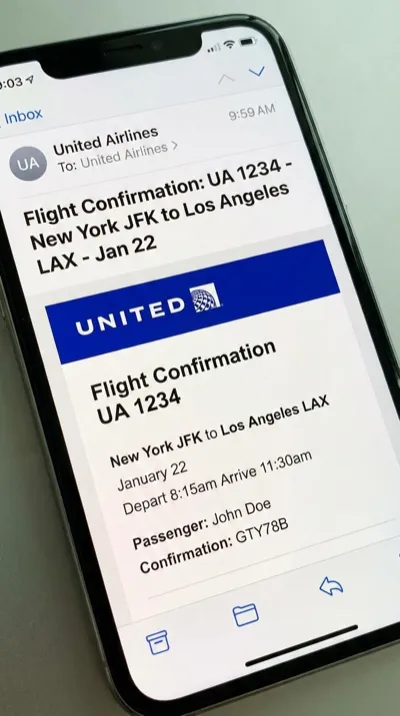
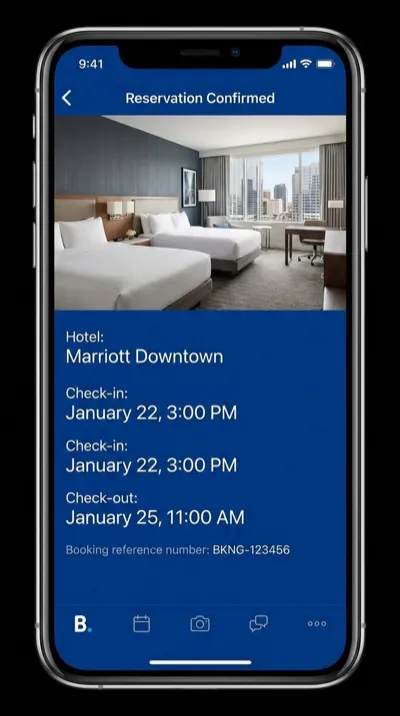
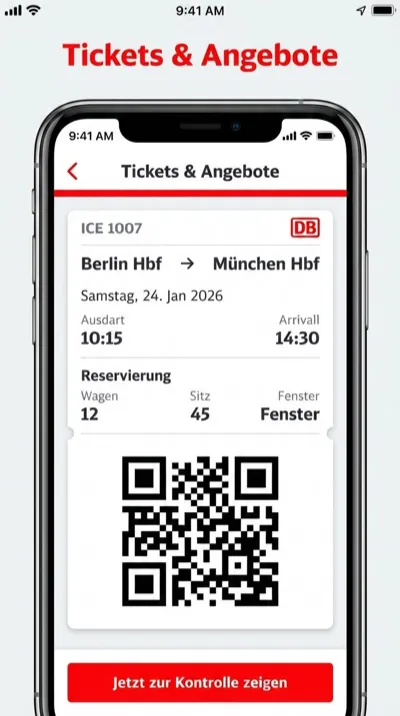
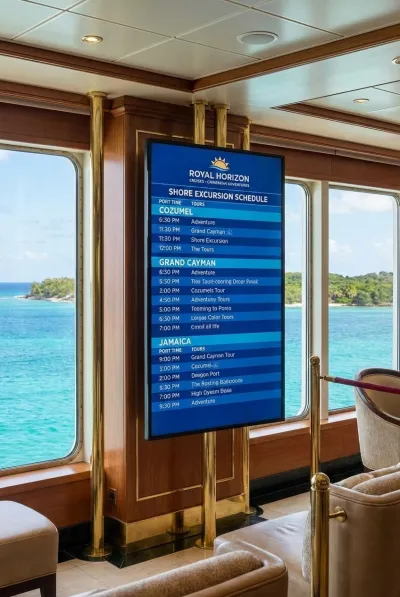
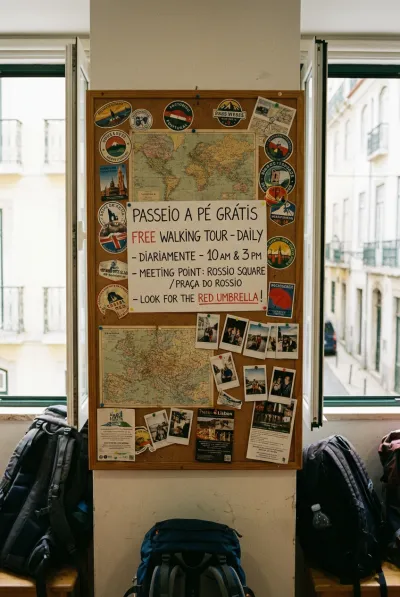
Boarding passes, hotel reservations, guided tours, rail tickets, cruise excursions, and walking tours — all extracted in seconds.

Three Steps. Zero Typing.
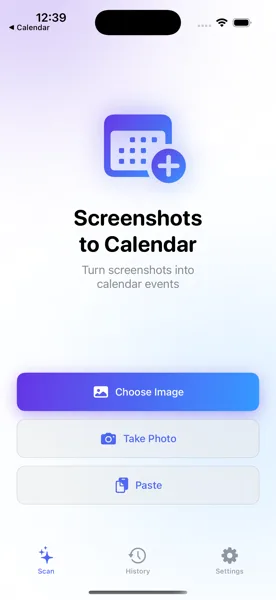
Screenshot the Confirmation
Take a screenshot of your flight booking, hotel reservation, or tour itinerary. Open the app and select the image.
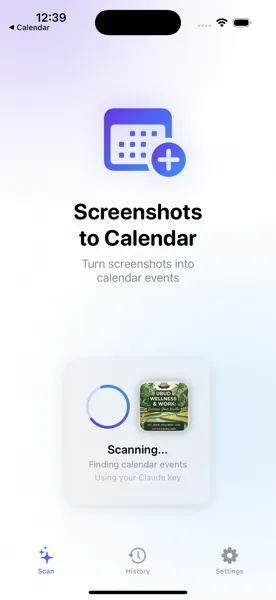
AI Extracts the Details
The app reads your confirmation and pulls out departure times, check-in dates, addresses, booking references, and more.
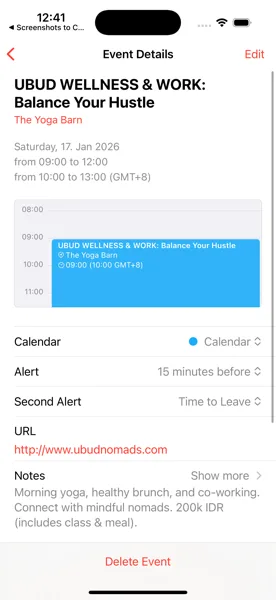
Saved to Your Calendar
Review the extracted events, tweak any details, and save. Your entire trip appears in your calendar, synced across all devices.
Travel Smarter, Not Harder
Download Screenshots to Calendar and turn every booking confirmation into a calendar event before you even board the plane.
Download Free on the App Store