Digital Nomad Events to Calendar
You're in a new city every few weeks. Coworking spaces pin event flyers in languages you don't speak. Meetup groups post schedules on Instagram stories that vanish in 24 hours. Capture them all and let AI handle the rest — in any language.
Events From Every City You Land In
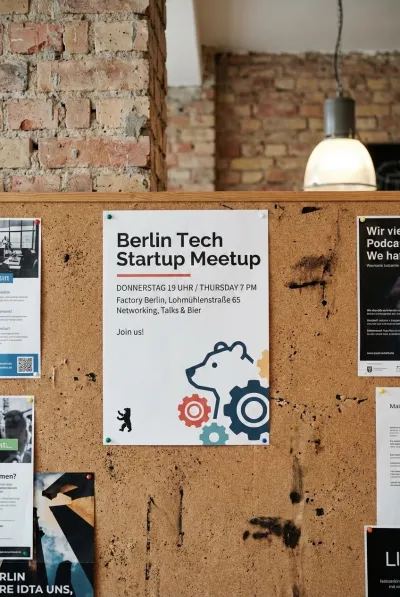
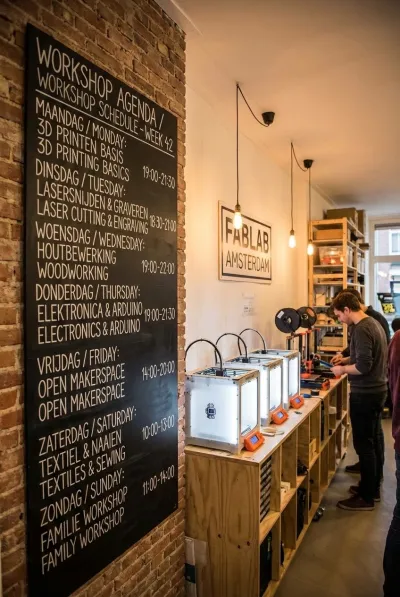
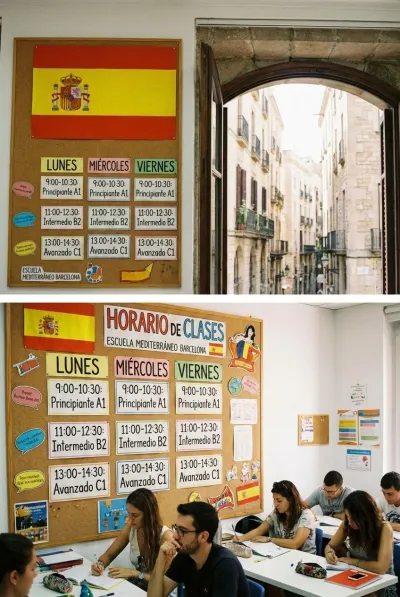
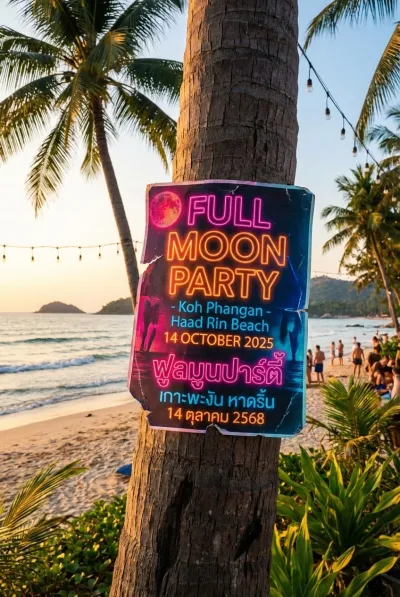
Tech meetups, language exchanges, networking nights, beach parties — wherever you roam, we extract it.


Three Steps. Zero Typing.
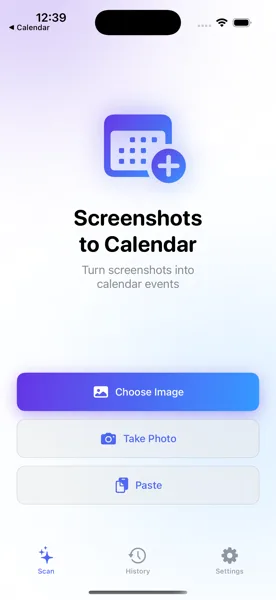
Capture the Event
Snap a photo of the coworking bulletin board, screenshot the Instagram story, or grab the Meetup event page. Open the app and select it.
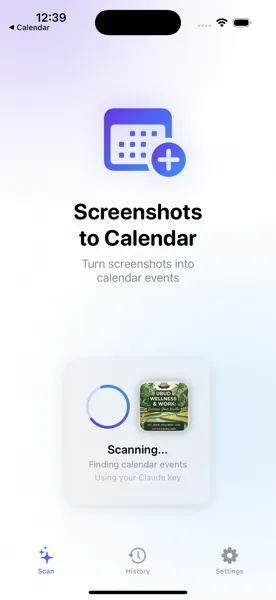
AI Reads Any Language
The app uses AI vision to extract event names, dates, times, and locations — even from flyers in Thai, German, Spanish, or any other language.
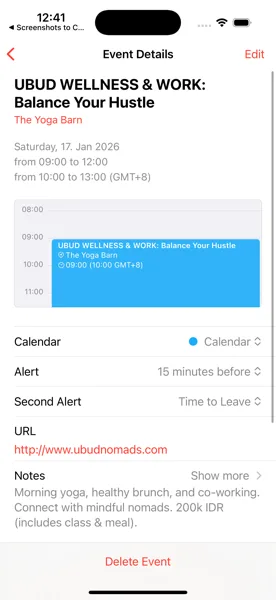
Saved to Your Calendar
Review the details, make any tweaks, and save. The event shows up in your iOS Calendar and syncs across all your devices, no matter where you are.
Your Travel Calendar, Sorted
Download Screenshots to Calendar and never miss a meetup, workshop, or networking event in any city you visit.
Download Free on the App Store