How to Save Foreign Language Events to Calendar
Traveling abroad and see an event poster in a language you don't speak? Snap a photo. The AI reads the text, translates the details into your language, and creates a calendar event. No translation app needed.
Photo the Foreign Language Event
See an event poster in Vietnamese on a cafe wall? A workshop flyer in Thai at your coworking space? A WhatsApp message in Spanish from a local group? Take a screenshot or snap a photo with your iPhone camera. The source language does not matter -- the AI handles everything from Chinese characters to Arabic script.
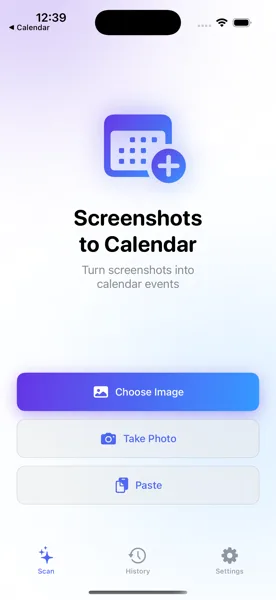
Open Screenshots to Calendar
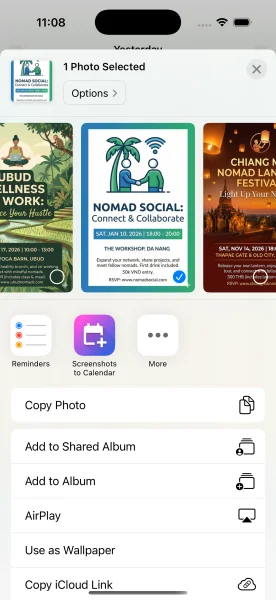
Open the app and pick the image from your photo library, paste from clipboard, or use the iOS Share Extension for the fastest route. The Share Extension works from any app -- share a photo directly from your Camera, WhatsApp, Safari, or any other app without switching contexts.
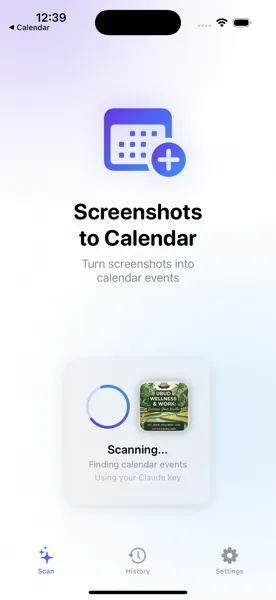
AI Reads and Translates
The AI processes the image in its original language. It identifies the event title, date, time, and location regardless of the script or language used. Then it translates the extracted details into your device language. A poster in Japanese becomes a calendar event in English. A Thai flyer becomes a German calendar entry. The translation is seamless and automatic.
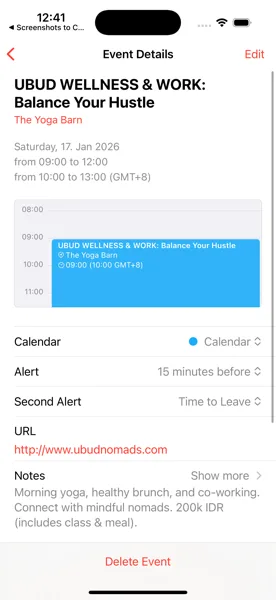
Event Saved in Your Language
The review screen shows the event with translated title, location, and description in your language. Verify the details look correct, make any adjustments, and save. The event appears in your iOS Calendar in your language, so you can easily find it later without remembering what the original text said.
Tips for Best Results
- Supports all languages -- Chinese, Japanese, Korean, Arabic, Thai, Vietnamese, Hindi, Russian, and dozens more including mixed-language content
- Event titles and locations are translated to your device language automatically, so your calendar stays consistent and readable
- Perfect for travelers, digital nomads, expats, and international students who encounter events in unfamiliar languages daily
Any Language, Any Event, Your Calendar
Download Screenshots to Calendar and never miss an event abroad because of a language barrier.
Download on App Store