Personal Errands to Calendar
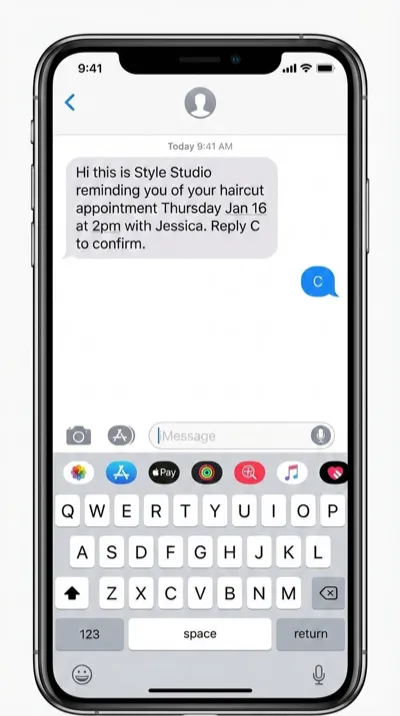
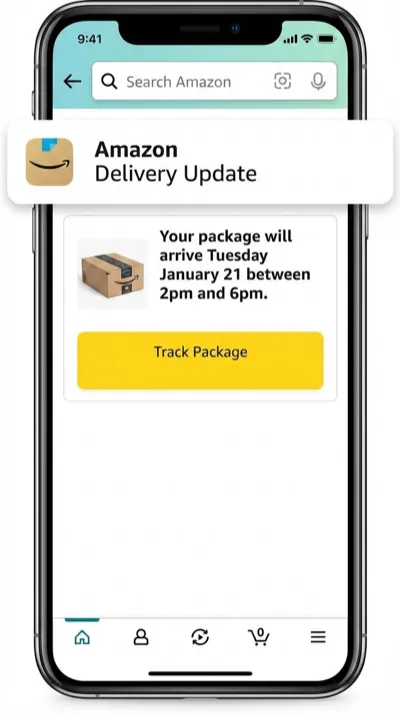
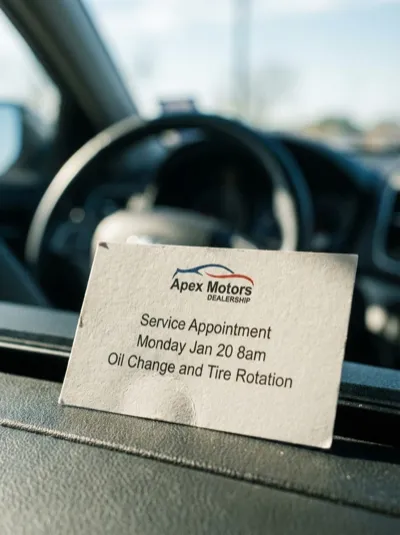
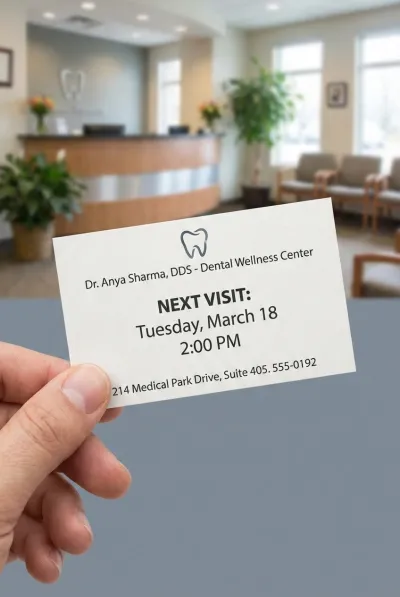
The dentist hands you an appointment card. The mechanic texts your next oil change date. A delivery confirmation shows a 3-hour window. Stop letting these slip through the cracks — snap a photo and the event is on your calendar in seconds.
Every Errand, Every Appointment
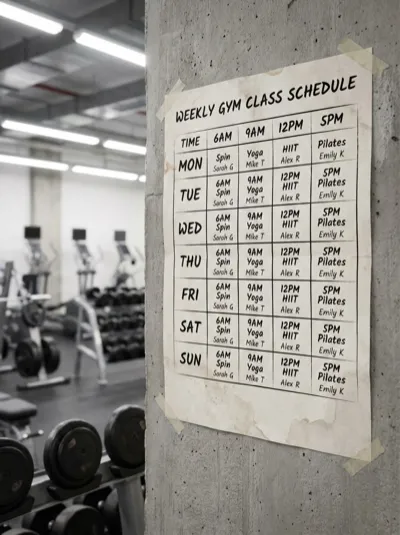
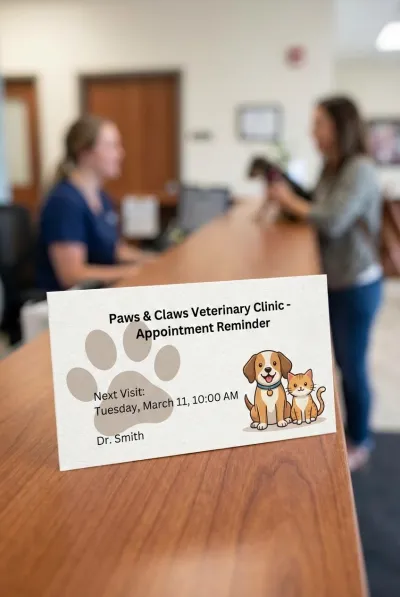
Haircuts, deliveries, car services, gym classes, dental checkups, vet visits — if there's a time and place, we save it.
Three Steps. Zero Typing.
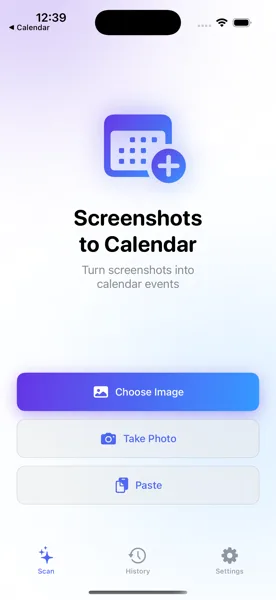
Snap the Card or Message
Take a photo of the appointment card, screenshot the delivery confirmation, or grab the text message with your next service date. Open the app.
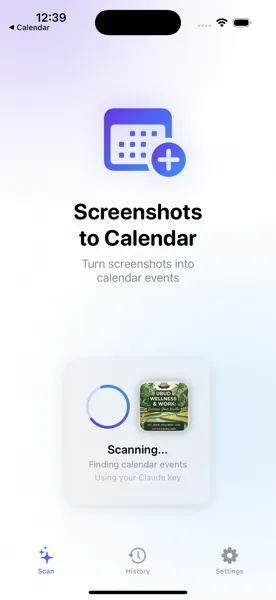
AI Pulls the Details
The app reads the image and extracts the appointment type, date, time, address, and any notes — automatically using AI vision.
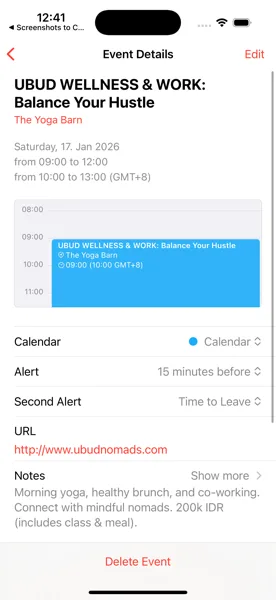
Saved to Your Calendar
Review the details, set a reminder if you want, and save. The appointment lands in your iOS Calendar and syncs across all your devices.
Stop Forgetting Appointments
Download Screenshots to Calendar and turn every appointment card, delivery notification, and reminder into a calendar event before it slips your mind.
Download Free on the App Store