Local Community Events to Calendar
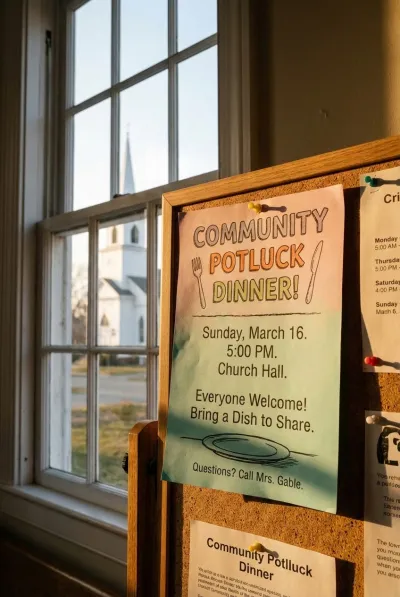
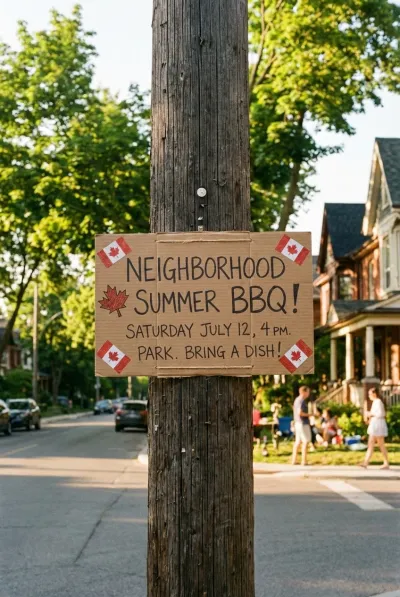
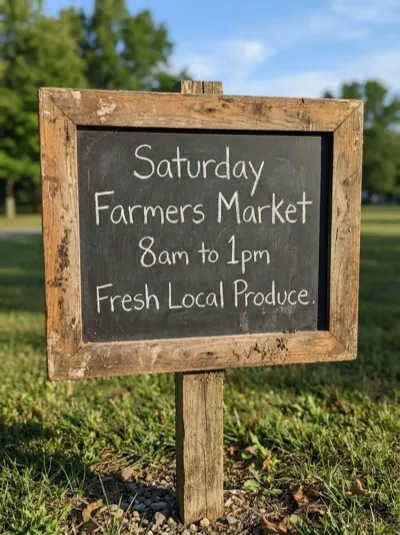
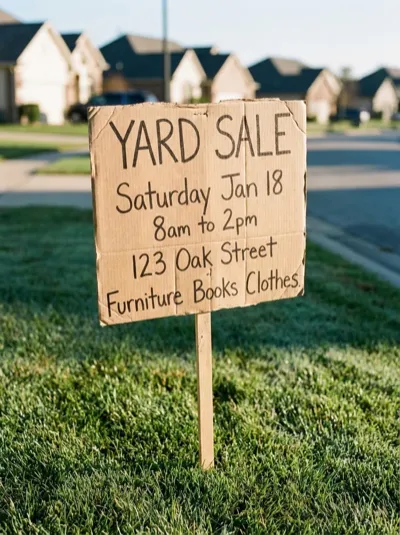
Your neighborhood is full of things worth showing up to — church potlucks, farmers markets, yard sales, block parties. Snap a photo of the flyer and let AI put it on your calendar so you actually remember to go.
From Bulletin Boards to Your Calendar
Church suppers, weekend markets, neighborhood cleanups, library events — if there's a date on it, we'll extract it.
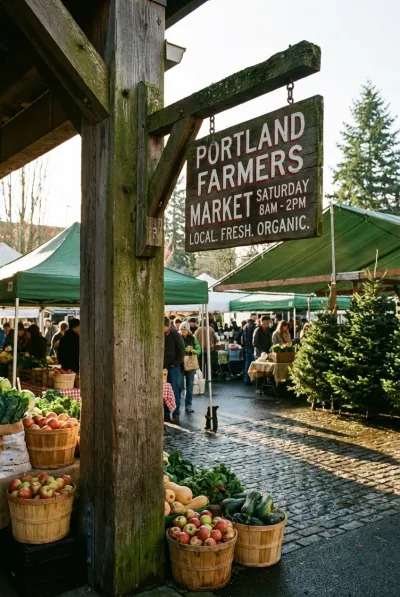

Three Steps. Zero Typing.
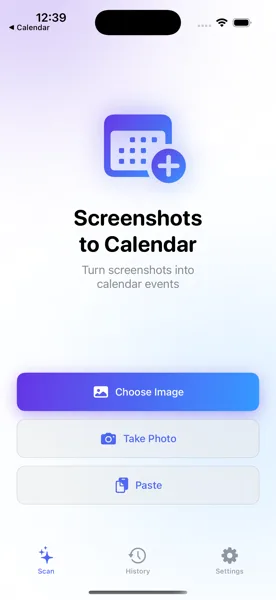
Snap the Flyer
See a flyer on a bulletin board, a post in a community group, or a sign at the park? Take a photo or screenshot and open the app.
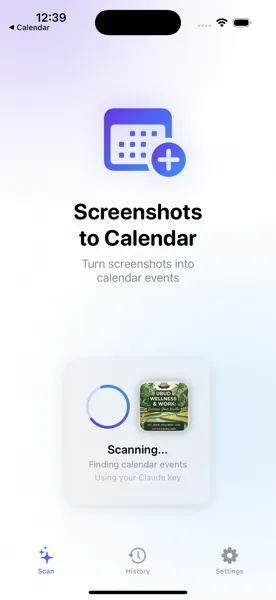
AI Reads the Details
The app uses AI vision to pull out the event name, date, time, and location from any layout — handwritten signs, printed posters, or social posts.
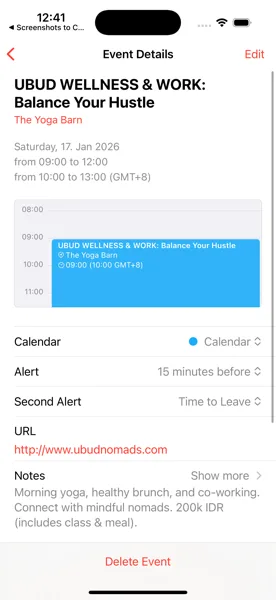
Saved to Your Calendar
Review the extracted details, tweak anything you like, and save. The event appears in your iOS Calendar and syncs across all your devices.
Never Miss Another Neighborhood Event
Download Screenshots to Calendar and turn every flyer, poster, and community post into a calendar entry before you forget.
Download Free on the App Store